Business SystemStill working out water and power bills room by room every month?
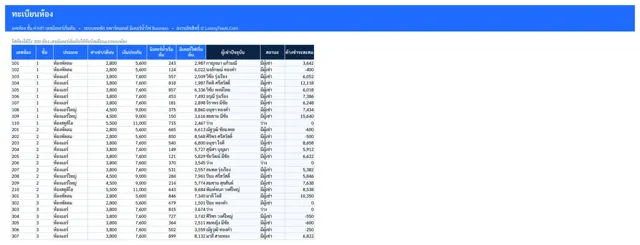
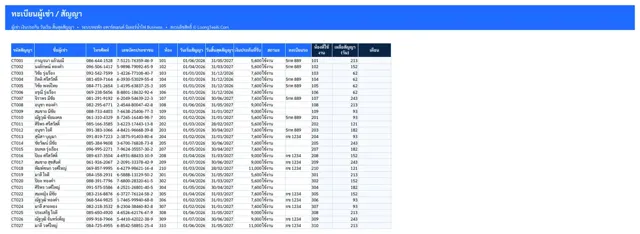
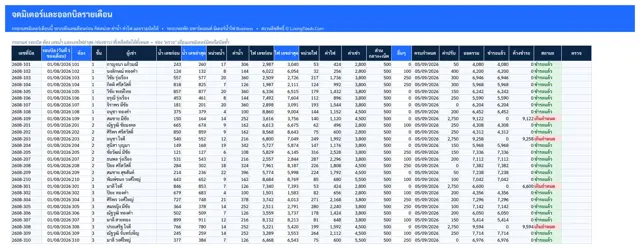
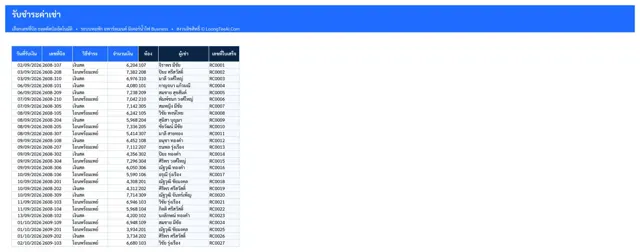
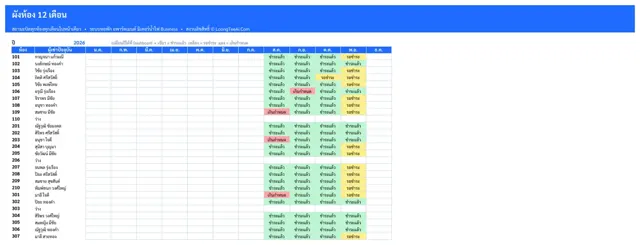
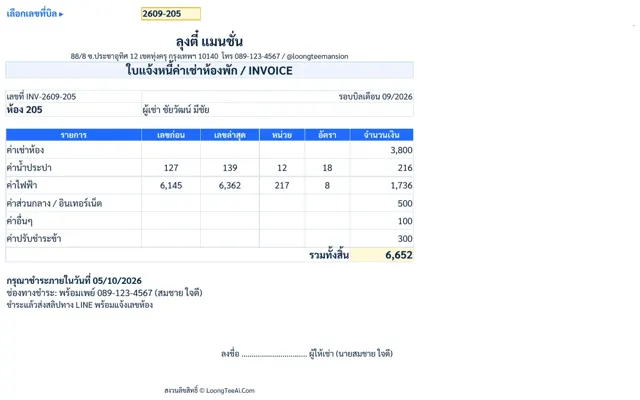
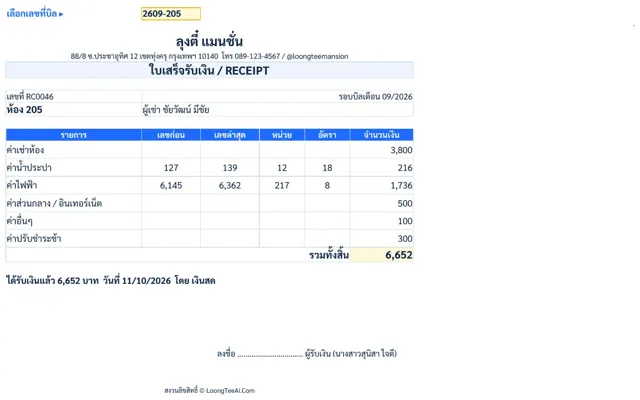
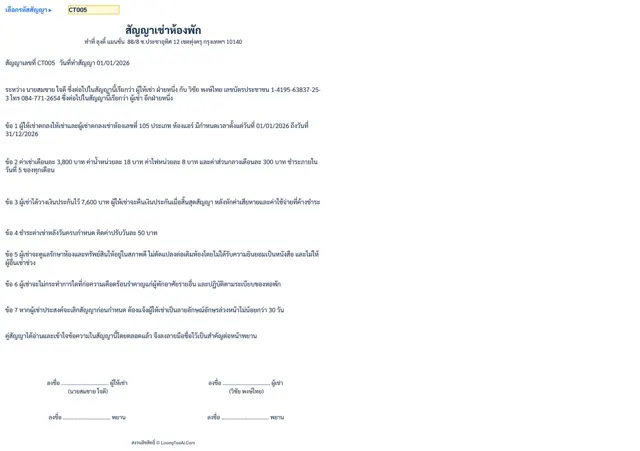
Meter readings, bills, receipts, leases and a 12-month room board
For: Owners of dorms, apartments and rentals with 10–300 rooms · Building managers who bill every month · Anyone who wants to see unpaid rooms in one click
฿1,290
ExcelGoogle Sheets
Q&A with real numbers from the sample file
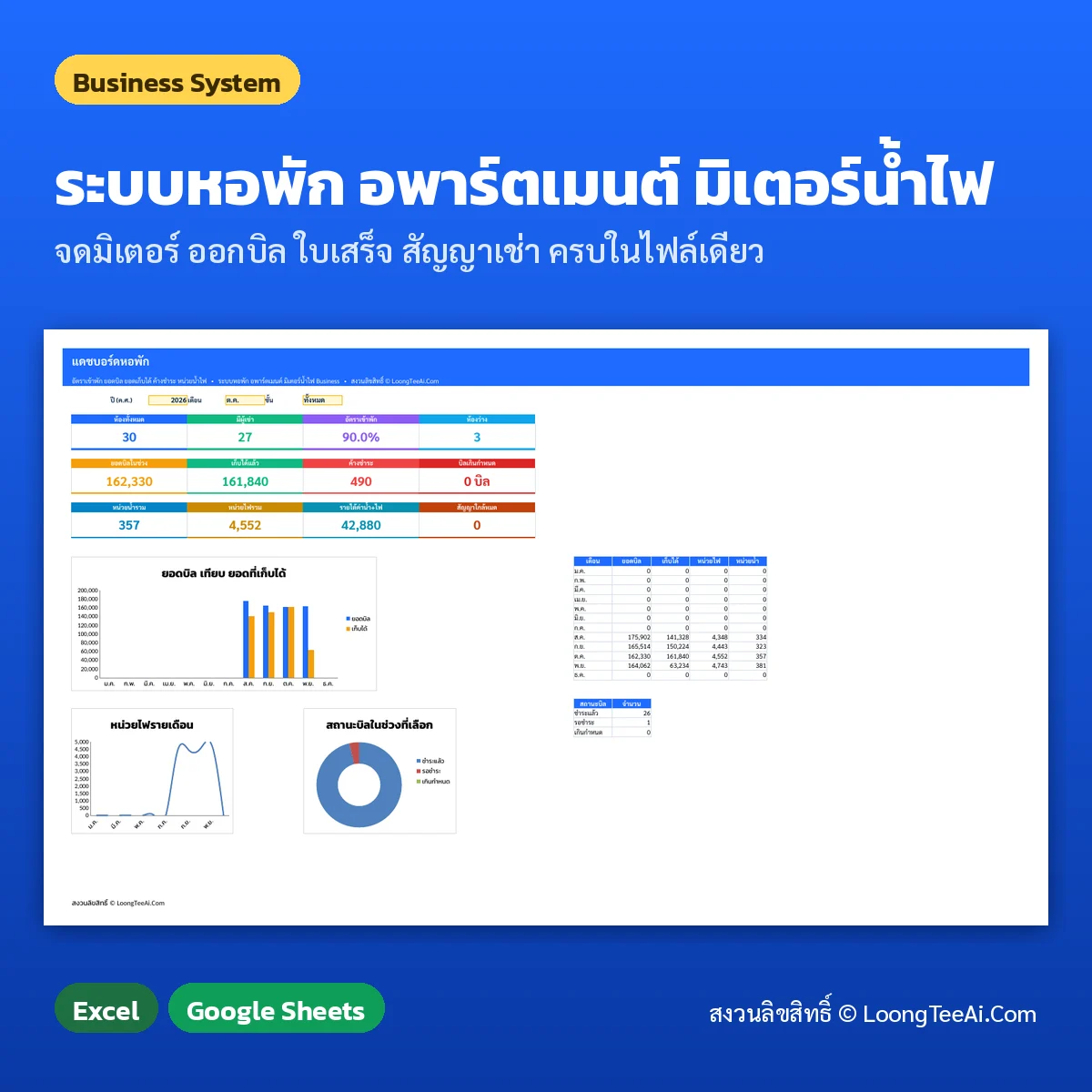
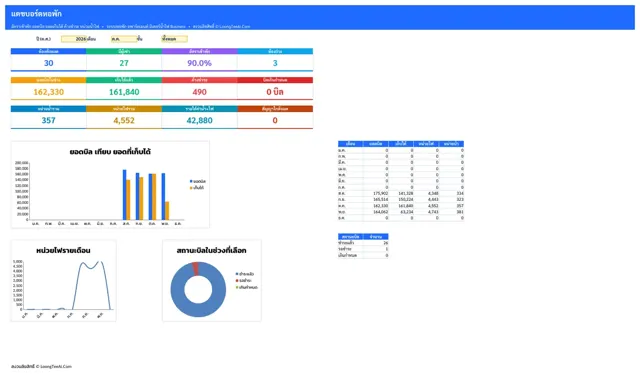
How much was billed in October?Sample data: 30 rooms, 27 occupied, 162,330 baht billed
Who still owes money?Outstanding 490 baht; the room board marks that room and month in red as overdue
Is the late fee calculated?Yes, per day after the due date at the rate you set, and added to the bill
FAQ about this system
Does it work in Excel and Google Sheets?Both. Open it in Excel 2016 or later / Microsoft 365, or upload it to Google Drive and open it with Google Sheets
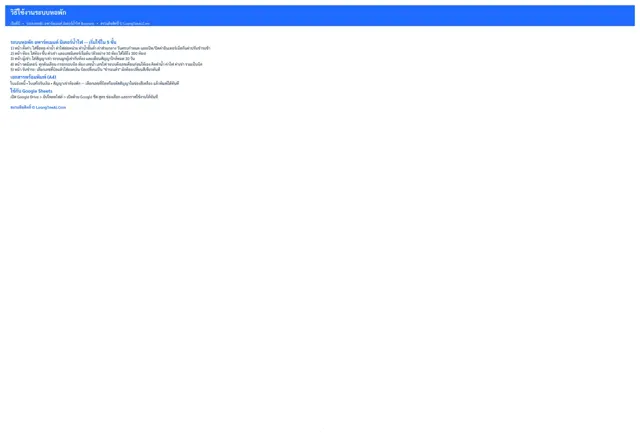
Do I need to be good at Excel?No. Fill in the white cells only; dark cells are formulas, and a 5-step guide is inside the file
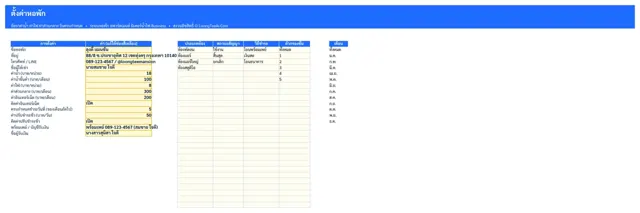
Can I change the business name and address on the forms?Yes. Edit them once in Settings and every form updates
How do I clear the sample data?Delete only the white cells on the data tabs; formulas and forms stay in place
How much data can it hold?Up to 300 rooms and 1,500 bills, tested with full tables and no formula errors
Can I print or save the forms as PDF?Yes. Forms are set up for A4; pick the document number and print or save as PDF
What happens if I type the wrong kind of value?Number and date cells are validated and show a message, and formulas are guarded against error values
Do I enter last month's meter reading?No. Enter only the new reading; the previous one is pulled in and units and amounts are worked out
Can I set a minimum water charge?Yes. Set a monthly minimum in Settings and it applies when usage is lower
Does the invoice show PromptPay?Yes. Enter your PromptPay or bank account in Settings and it prints on every invoice
Does it warn about expiring leases?Yes. Tenants shows "expiring soon" 30 days ahead and "expired" afterwards

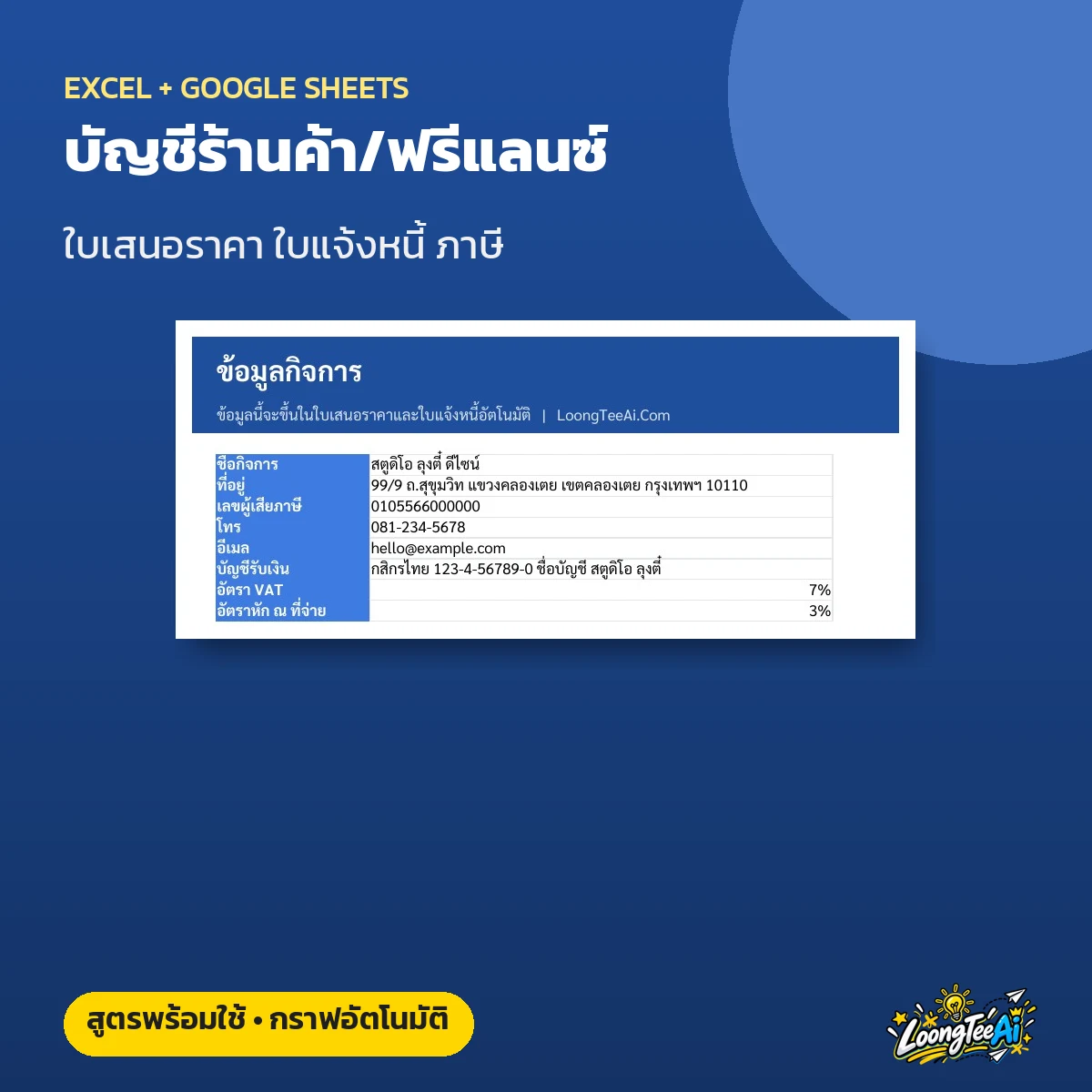 เทมเพลตบัญชีร้านค้า ฟรีแลนซ์ ใบเสนอราคา ใบแจ้งหนี้
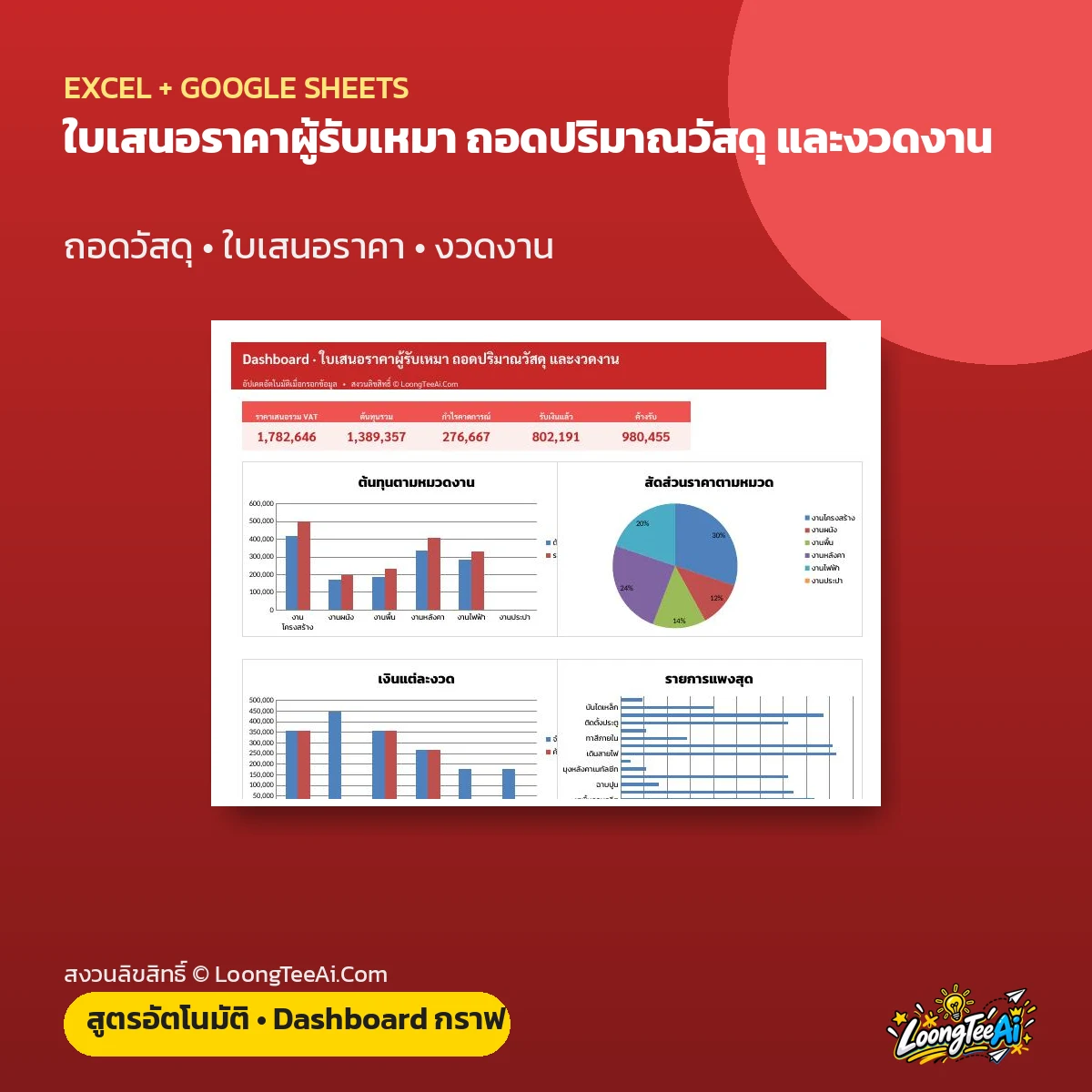 ใบเสนอราคาผู้รับเหมา ถอดปริมาณวัสดุ และงวดงาน
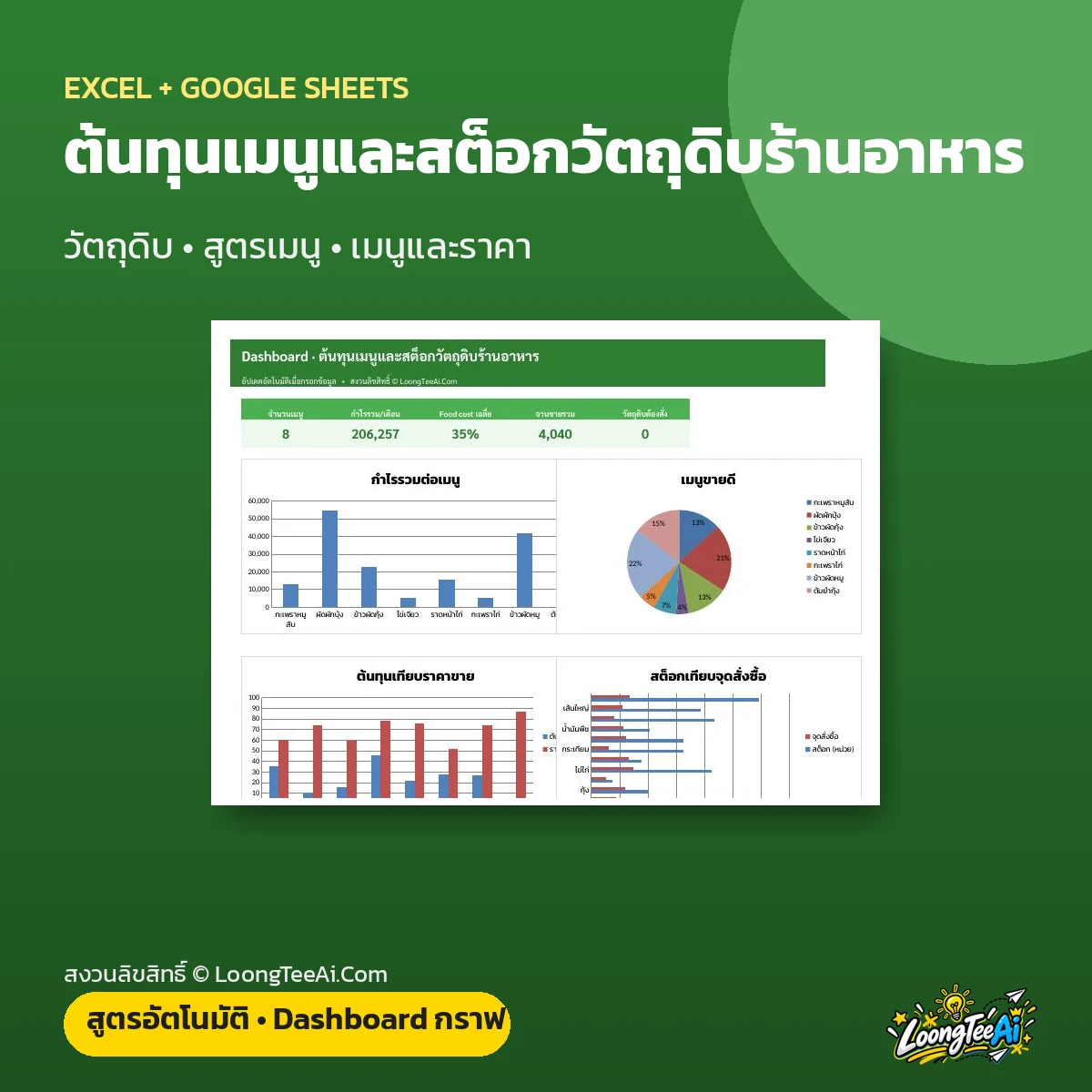 ต้นทุนเมนูและสต็อกวัตถุดิบร้านอาหาร
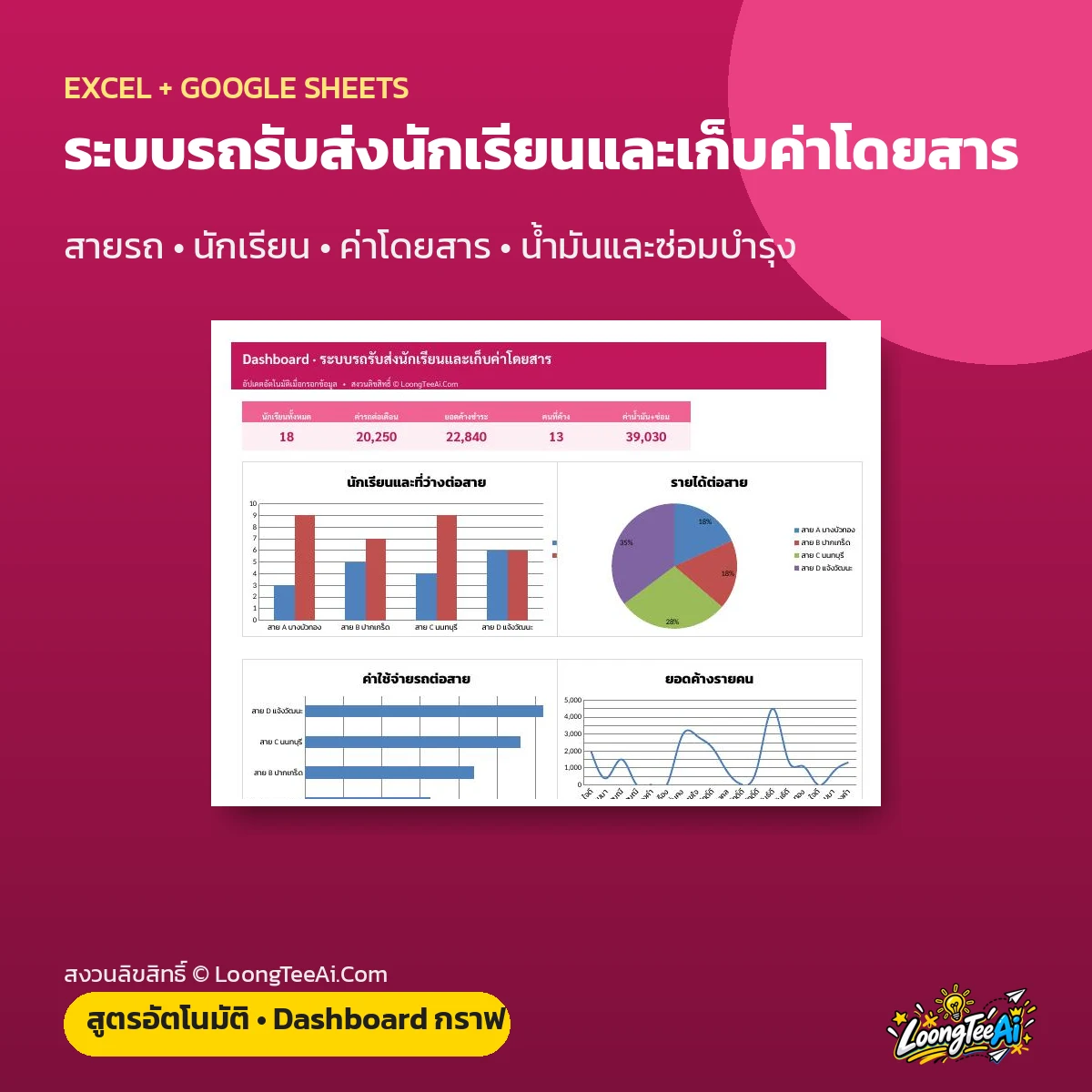 ระบบรถรับส่งนักเรียนและเก็บค่าโดยสาร
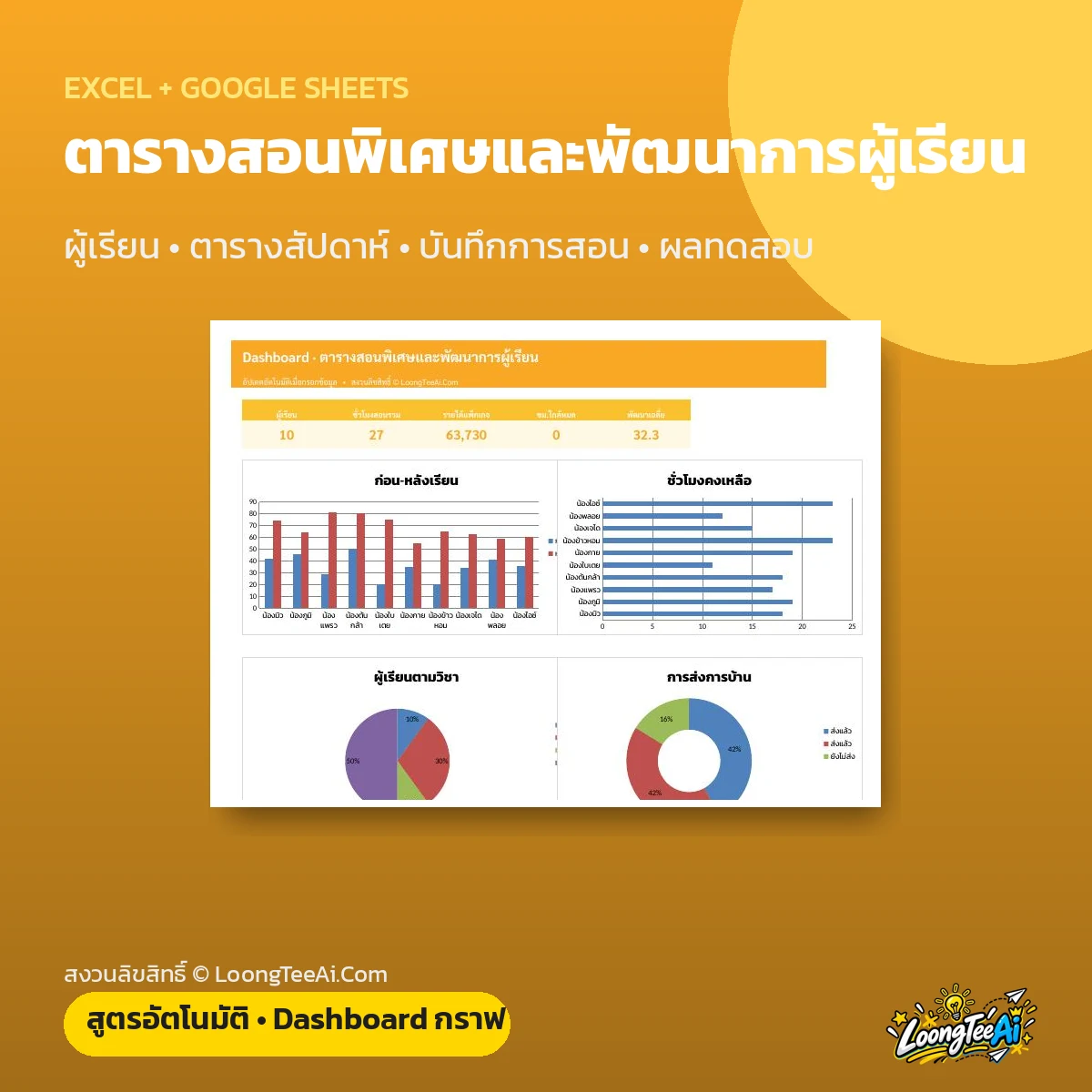 ตารางสอนพิเศษและพัฒนาการผู้เรียน
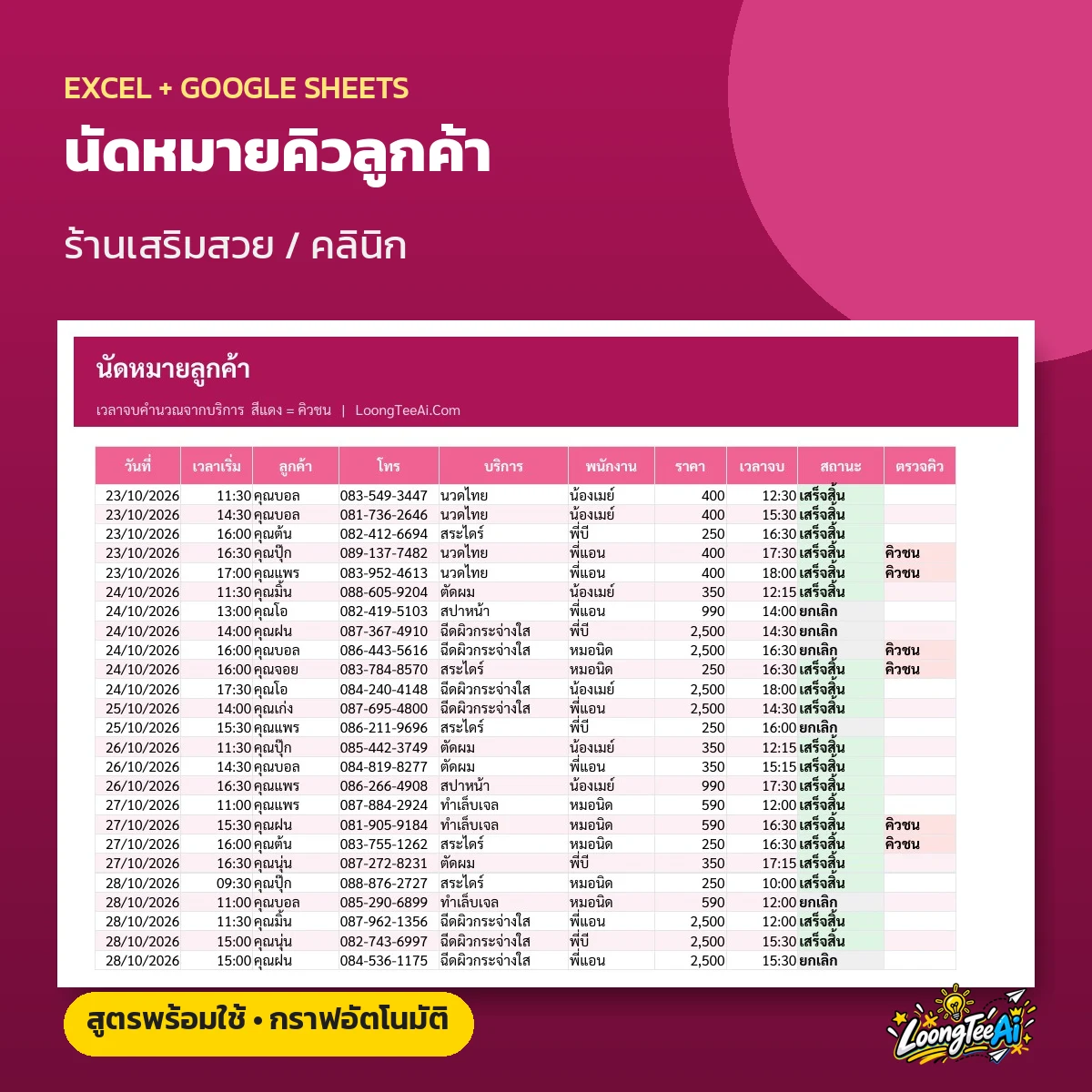 เทมเพลตนัดหมายคิวลูกค้า ร้านเสริมสวย คลินิก