Plan a Whole Month of Social Media with AI

The biggest problem with running a page is "What should I post today?" Planning a whole month ahead with AI helps you post consistently without the stress.
Step 1: Define your goals and target audience
Tell the AI what your page is about, who your customers are, and what this month's goal is, such as gaining followers or boosting sales of a new product.
Step 2: Set your content pillars
Divide your content into 4–5 types, such as:
- Educational
- Behind the scenes and brand stories
- Customer reviews
- Promotions and sales
- Entertainment or trends
Step 3: Have AI build a content calendar
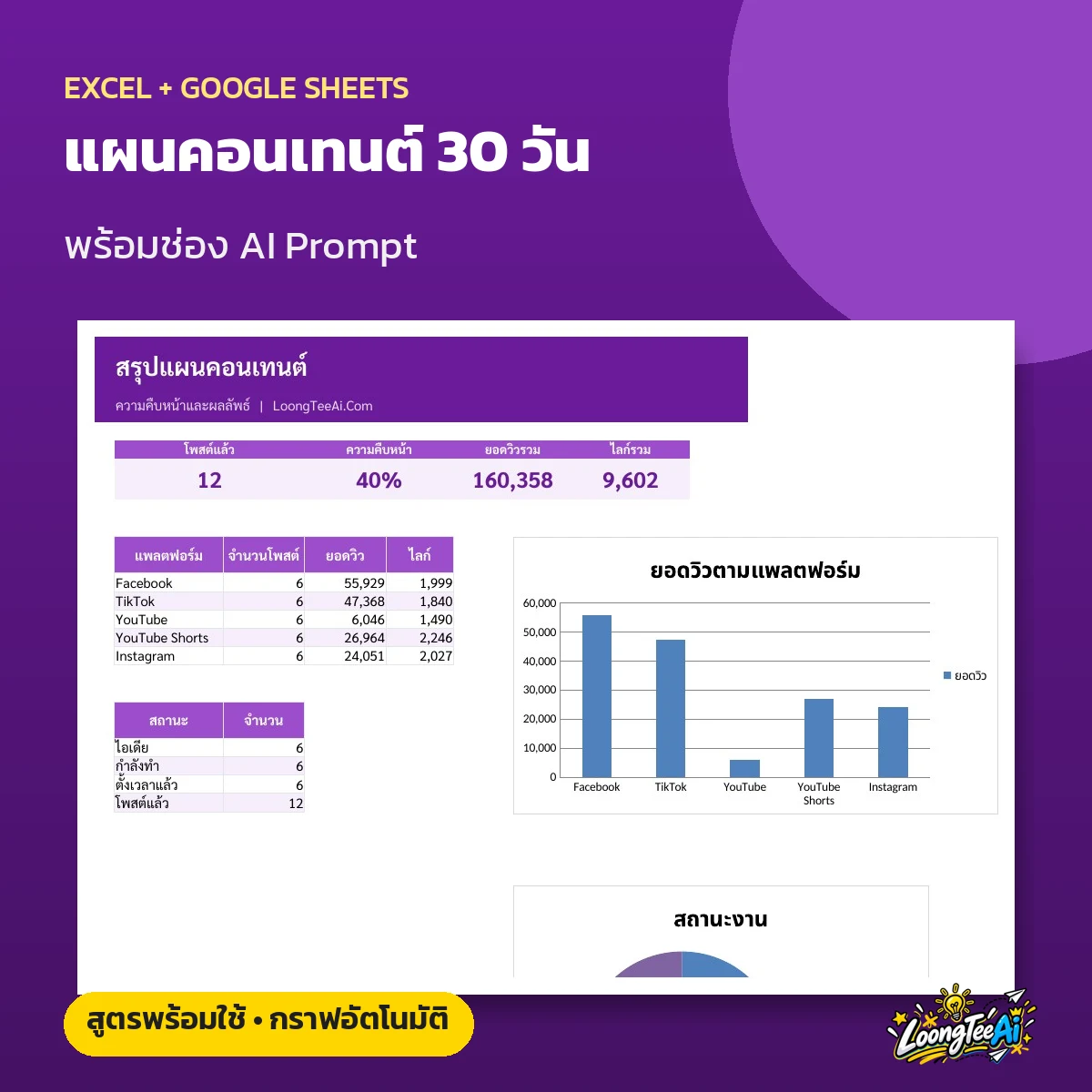
Example prompt: "Create a 30-day content calendar for a page selling natural skincare. Answer as a table with date, content type, topic, post format, and image concept."
Step 4: Write captions in advance
Write captions a week at a time, ask for several versions, and adjust them to your brand voice. Learn how to give instructions in The Prompt Formula.
Step 5: Create images and videos
Create images with Canva and short videos with AI. See the steps in Make Short Videos with AI.
Step 6: Measure and adjust
At the end of each month, give your analytics to the AI to summarize which post types performed best, and use that to plan the next month.
More tips
- Use Google Trends to see what people are searching for
- Prepare backup content for days when you're short on time
- Reply to every comment to boost visibility
Sample weekly schedule
- Monday: product tips and know-how
- Tuesday: behind the scenes at the shop
- Wednesday: customer reviews
- Thursday: short demo video
- Friday: weekend promotion
- Saturday: a fun post that invites comments
- Sunday: the week's best sellers
Use AI to help reply to comments
Collect common comments and have AI draft friendly replies in your brand voice. Tweak them slightly before replying.
Summary
Plan once, post all month. AI helps you think, write, and analyze, while you bring your brand's sincerity. See the content planning skill set at Content Creation Skill.
Read more / Go further with LoongTeeAi
Frequently asked questions
How many times a day should I post?
Start with one post a day consistently. That's better than posting a lot and then stopping.
Can I use the same plan on every platform?
You can keep the same core ideas, but adapt the format to each platform.
What is "Plan a Whole Month of Social Media with AI" about?
Use AI to plan monthly content, brainstorm topics, write captions, and schedule posts so your page grows steadily.
Step 1: Define your goals and target audience?
Tell the AI what your page is about, who your customers are, and what this month's goal is, such as gaining followers or boosting sales of a new product.
Step 2: Set your content pillars?
Divide your content into 4–5 types, such as: - Educational - Behind the scenes and brand stories - Customer reviews - Promotions and sales - Entertainment or trends